YouTube | Spotify | Apple Podcasts
Building an AI Workforce: Inside Dan Cotton’s Daily Workflow
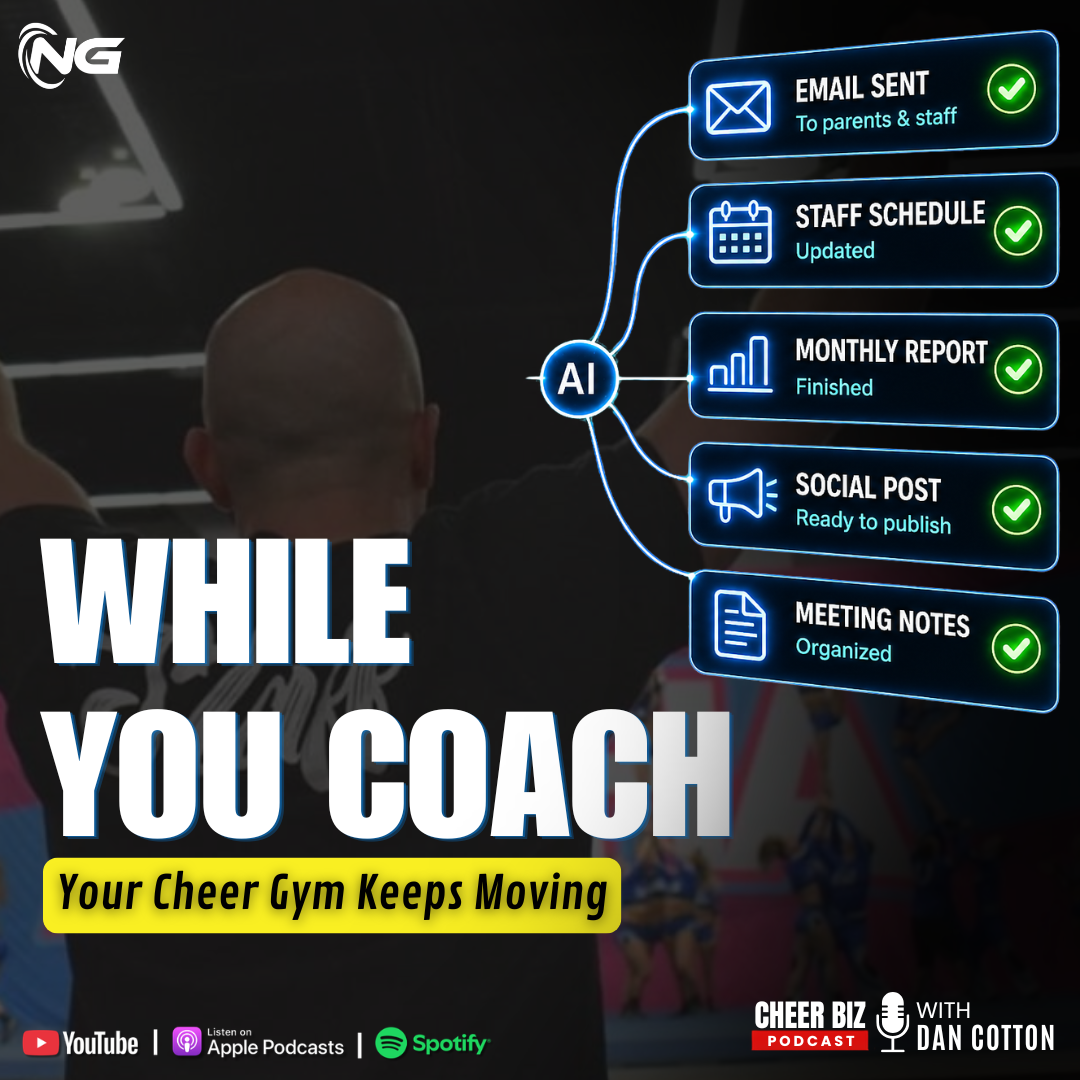
In this episode of the Cheer Biz Podcast, host Dan Cotton explains how he ran four different AI-powered projects at once during a single workout, and makes the case for why every cheer gym will soon rely on AI employees for its repeatable, everyday tasks.
A Workout That Doubled as a Workday
Dan Cotton opens this episode of the Cheer Biz Podcast with a simple but striking anecdote: during one workout, in between sets, he finished four separate projects using nothing but his phone and a handful of AI tools he’d already set up to run without him. If listeners are tired of hearing him talk about AI, he warns them not to expect that to change anytime soon. It’s something he uses nearly every waking hour, and it’s reshaping how he runs his businesses.
Before getting into the details, he points listeners to the Cheer Gym Owners and All-Star Cheer Coaches and Owners groups on Facebook, where active AI discussions have been happening since his recent conference session on the topic. He also updates listeners on the Cheer Biz Accelerator events: the Warrensburg and Portland events for 2026 are both close to selling out, and new events are already being planned for January through March of 2027, a summer 2027 event, and a run of events from August through November of 2027.
Ditch the Chatbot Mindset
Before diving into what he actually did during his workout, Dan makes the case for a mental shift: stop thinking of AI as a chatbot you occasionally ask questions or request an email draft from. That, he says, barely scratches the surface of what the technology can do, comparable to only ever using a computer to check email instead of tapping into everything it’s capable of.
He names the two AI tools he actually relies on: Claude, which he uses every single day and considers more robust for his needs, and Perplexity, specifically Perplexity’s computer-focused tool, which he uses for a narrower set of tasks and isn’t sure he’ll renew. He acknowledges ChatGPT’s newest model is capable, but says familiarity and desktop functionality keep him on Claude. His advice to gym owners entering the AI era: pick one tool, learn it well, and resist collecting a graveyard of AI subscriptions you never fully use. Switch tools only after there’s real proof a new one is better.
Dispatching an Ops Tracker From His Phone
The first project Dan ran during his workout used a feature called Dispatch, which lets him task his computer remotely from his phone. He explained that he runs Claude on two separate computers, a laptop tied to his DreamCamps business and a home computer tied to his Next Gen business, each operating as its own independent AI “brain” with its own connectors, even though both run under the same Claude account. Because his computers share an iCloud desktop, he also keeps a synced Claude Cowork folder so any project, context, or skill he saves is accessible from any of his machines.
Using Dispatch, and a previously configured Google Workspace CLI connector into his Next Gen Google Drive and email, Dan asked Claude to crawl a set of folders, analyze the documents inside, and draft a report on how to build an operations tracker and dashboard for his remotely working team, using application-building protocols he’d already established. The AI worked independently, occasionally texting him for permission to proceed, and delivered a full report with a summary in about twenty minutes. After reviewing it and asking for a bit more detail, Dan then tasked Claude Code, on his home computer, to begin building the actual application from that report. By the end of his workout, phase one of the app was complete, and he had a full roadmap for phases two through five, all managed from his phone while he was mid-workout.
DreamCamps Gets Smarter Every Single Day
The second project running in the background was an update to DreamCamps, an app Dan has been building and actively using with staff and customers. Because the app is live and in daily use, it regularly surfaces bugs and feature requests, including a built-in suggestion feature that lets users flag ideas, which Claude reviews each morning and turns into a list of proposed fixes.
Before his workout, Dan handed off a list of seven improvements, set clear parameters and boundaries, and asked a second agent to check the code after each change was pushed. By the time he returned, all seven were finished, with only one needing a minor manual tweak. One of the fixes addressed a real production issue: with 17 teams at camp simultaneously, each with its own schedule, the mobile view had become difficult for staff to read on their phones. Dan had it reformat the schedule specifically for mobile, since most of his staff work from their phones in the field.
A Morning Digest That Runs Itself
The third thing running during his workout was a scheduled task Dan set up previously: every morning, Claude crawls his NG Engine system, checking conversations, emails, invoices, payments, forms, and registrations, then does the same for his personal Google email. It compiles everything into a digest sent via Slack to his operations team, flagging critical emails needing quick answers, lower-priority items, pending bills, staff issues, and outstanding invoices.
His team reads the digest in about three minutes each morning and can immediately start working through it, resolving roughly 90 percent of items that need a human touch within the first 30 to 45 minutes of the day. Dan doesn’t have to trigger it. It simply runs on schedule.
Skills, Loops, and Separate AI Brains
The fourth project, a communications agent connected to his NG Engine, wasn’t running during the workout itself but represents the same underlying system. It tracks known events, like an approaching camp, and automatically drafts reminder emails with the correct recipient tags, saving them as drafts for review.
Dan uses this example to define two concepts he leans on heavily: a skill is a task performed the same way every time, and a loop is that skill running on a recurring schedule, reassessing and executing again and again. He also stresses a caveat: AI performs poorly without established context, and overloading a single agent with too many tasks causes problems. His approach is to keep agents narrowly scoped and separate. One agent builds an app, a second checks the code behind it, a third handles communications, each functioning like its own distinct employee with its own skill set, even though all of them run within Claude.
Where This Is Headed for Gym Owners
Dan closes by acknowledging that all of this can sound like it only applies to someone as technically inclined as he is, but he pushes back on that conclusion. Even starting small, like having AI sort and flag emails, is a meaningful first step before working up to more advanced automation, including access to prebuilt skills through the academy.
He predicts that barring some major shift in computing costs or power availability, every cheer gym will eventually run on two to four AI employees handling repeatable tasks such as registering for competitions, freeing owners to focus on the parts of the business that genuinely require a human touch. Gym owners who lean into that shift now, he says, will be well ahead of competitors who don’t.
Keep the Conversation Going
Thanks for listening to this episode of the Cheer Biz Podcast. Dan promises more concrete, actionable AI tactics in upcoming episodes, including how to build some of these skills from scratch. Join the conversation in the Cheer Gym Owners and All-Star Cheer Coaches and Owners groups on Facebook, and catch the next episode soon.
If you enjoyed this episode, you may also like “I Didn’t Know AI Could Save Me This Much Time—Until It Did“